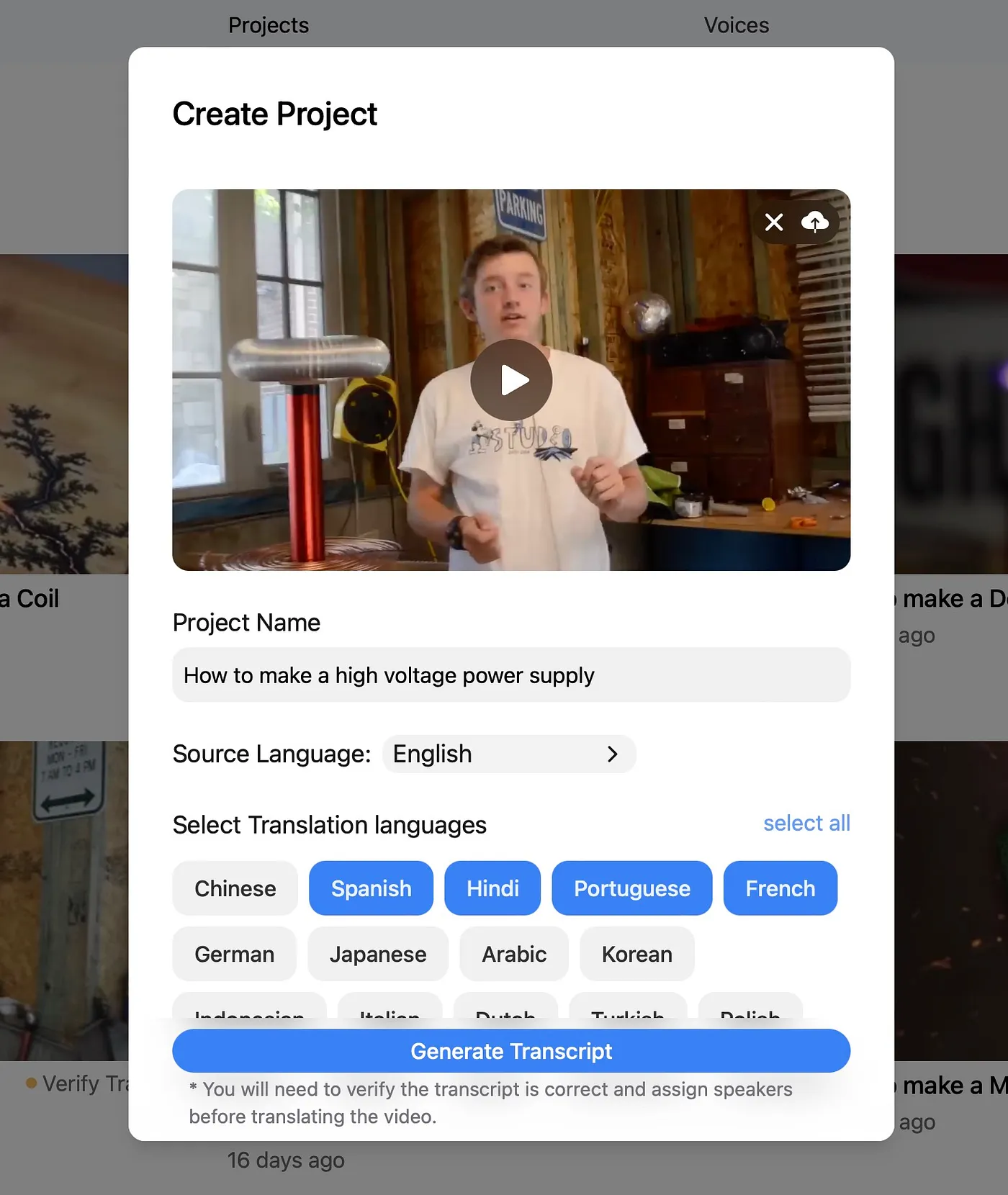
1. Créez un projet
Importez votre vidéo source ou connectez le flux de travail que vous utilisez déjà pour que DittoDub dispose du contenu et du contexte.

Apprenez le flux de travail DittoDub, avancez plus vite dans la configuration et peaufinez votre projet avant publication.
Importez votre vidéo source ou connectez le flux de travail que vous utilisez déjà pour que DittoDub dispose du contenu et du contexte.
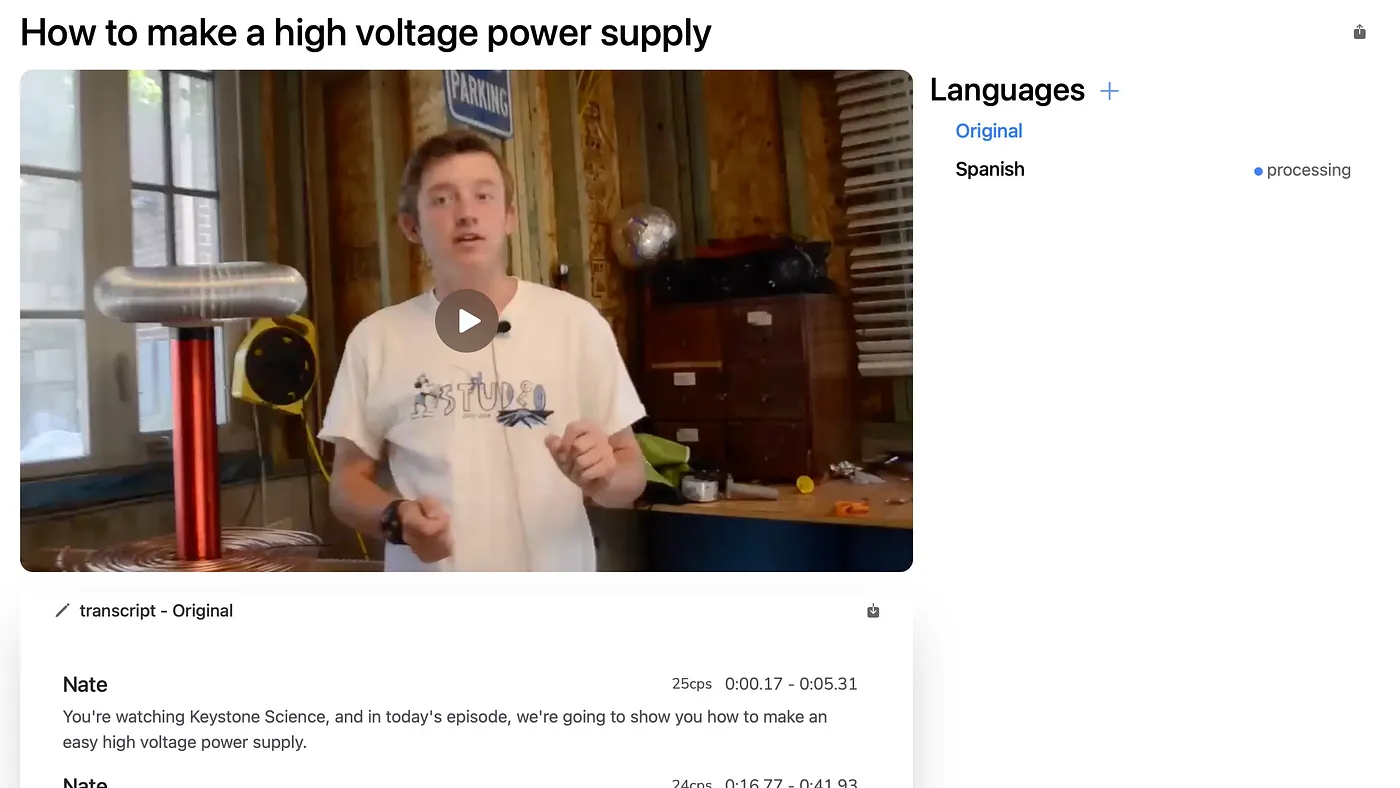
Sélectionnez les marchés à atteindre, relisez les doublages générés et confirmez les sorties à affiner.
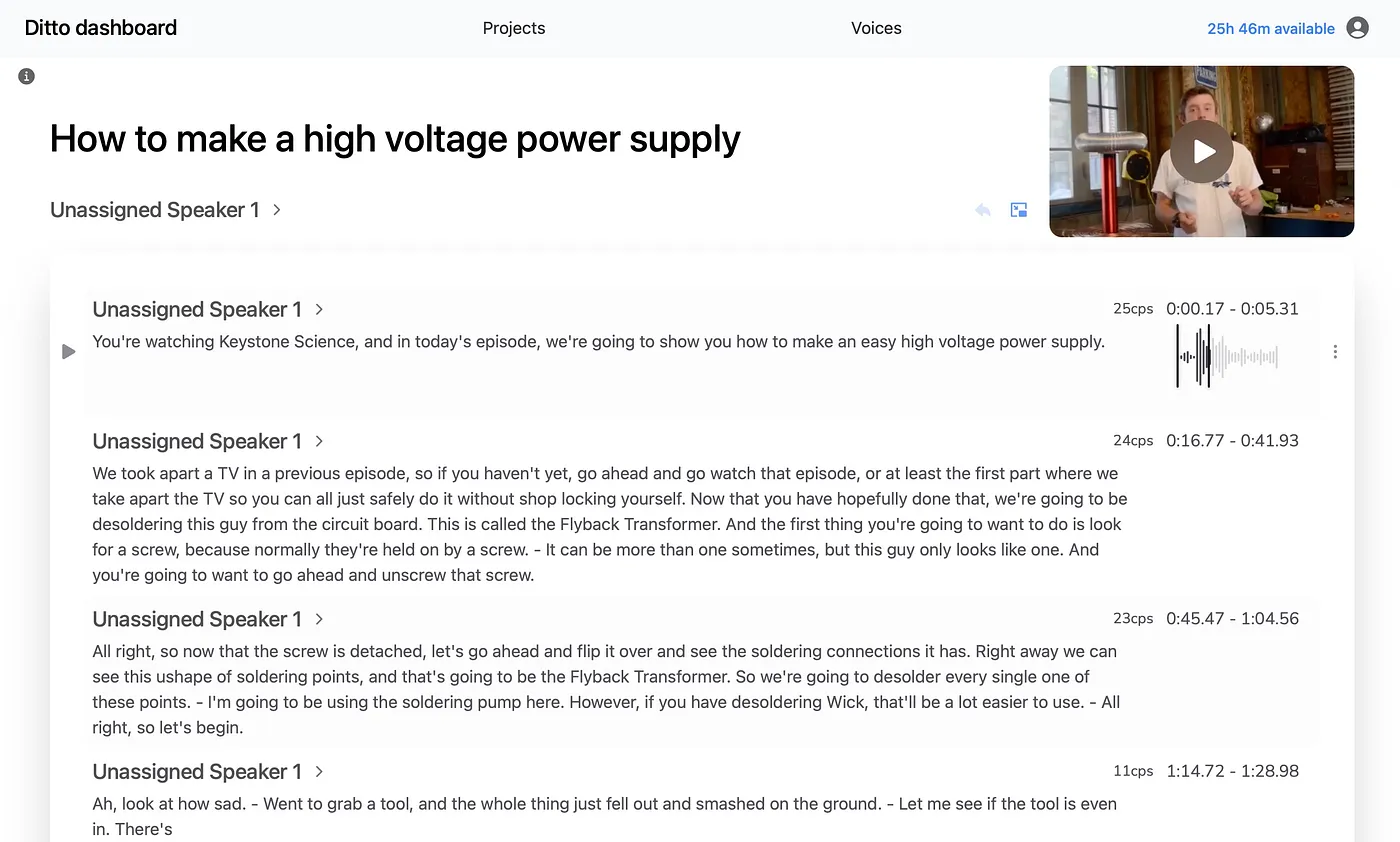
Modifiez scripts, sous-titres ou minutage quand c’est nécessaire pour que la version finale soit prête pour de vrais spectateurs.
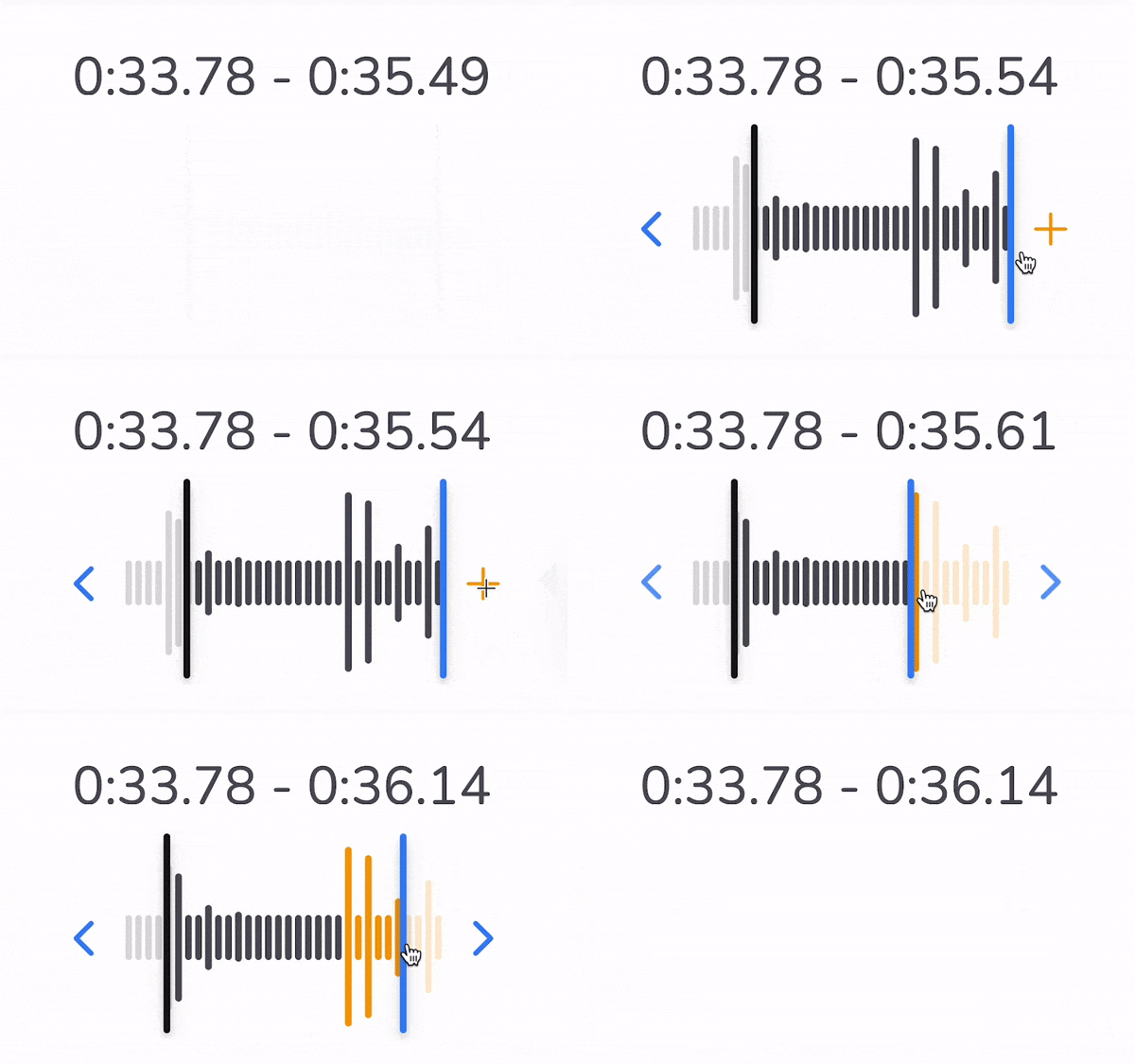
Si une ligne traduite paraît trop rapide ou coupée, allongez son minutage pour laisser respirer la performance naturellement.
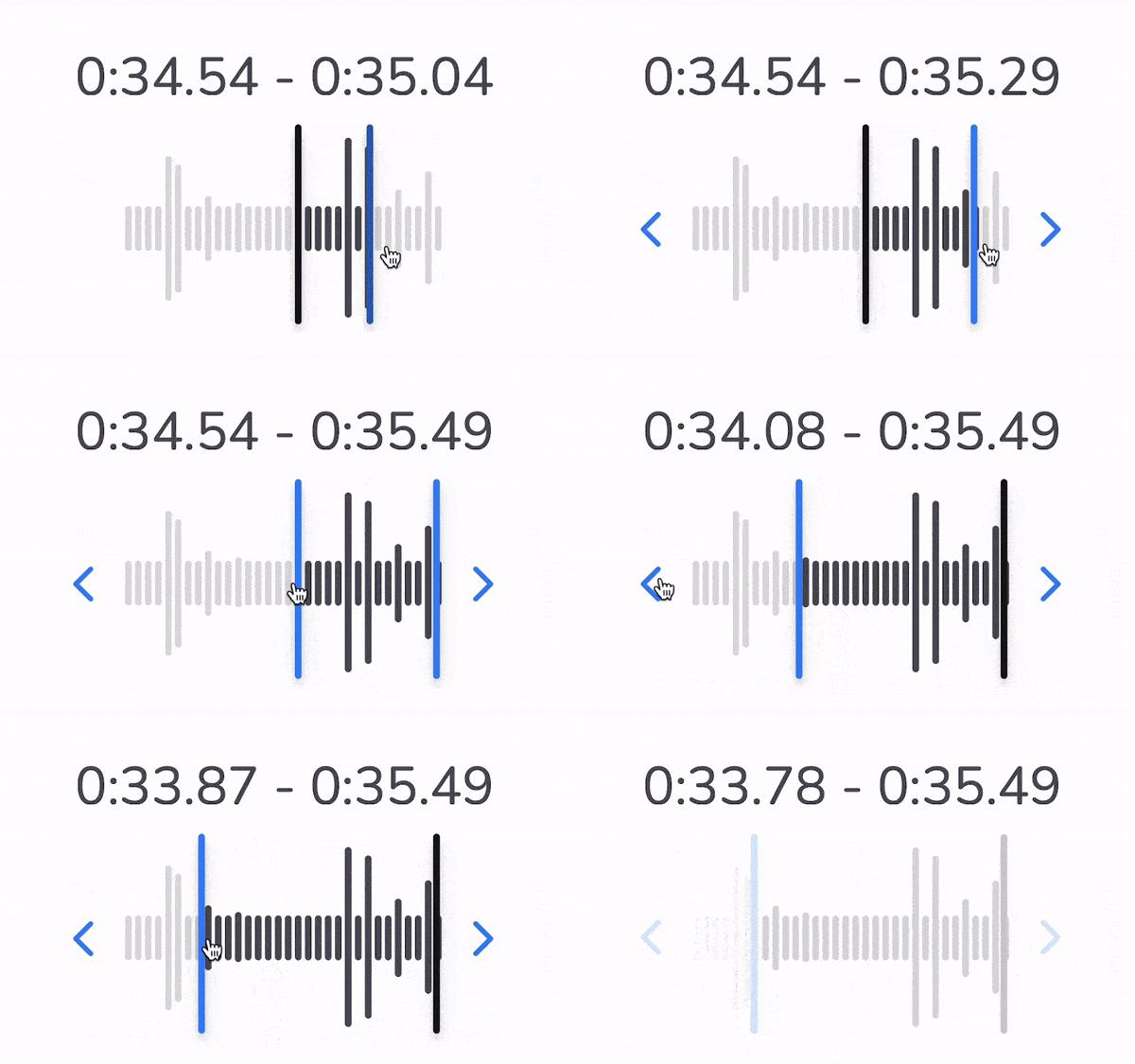
Revoyez les chevauchements dans l’éditeur et résolvez-les tôt pour garder des sous-titres et un doublage propres dans le fichier final.