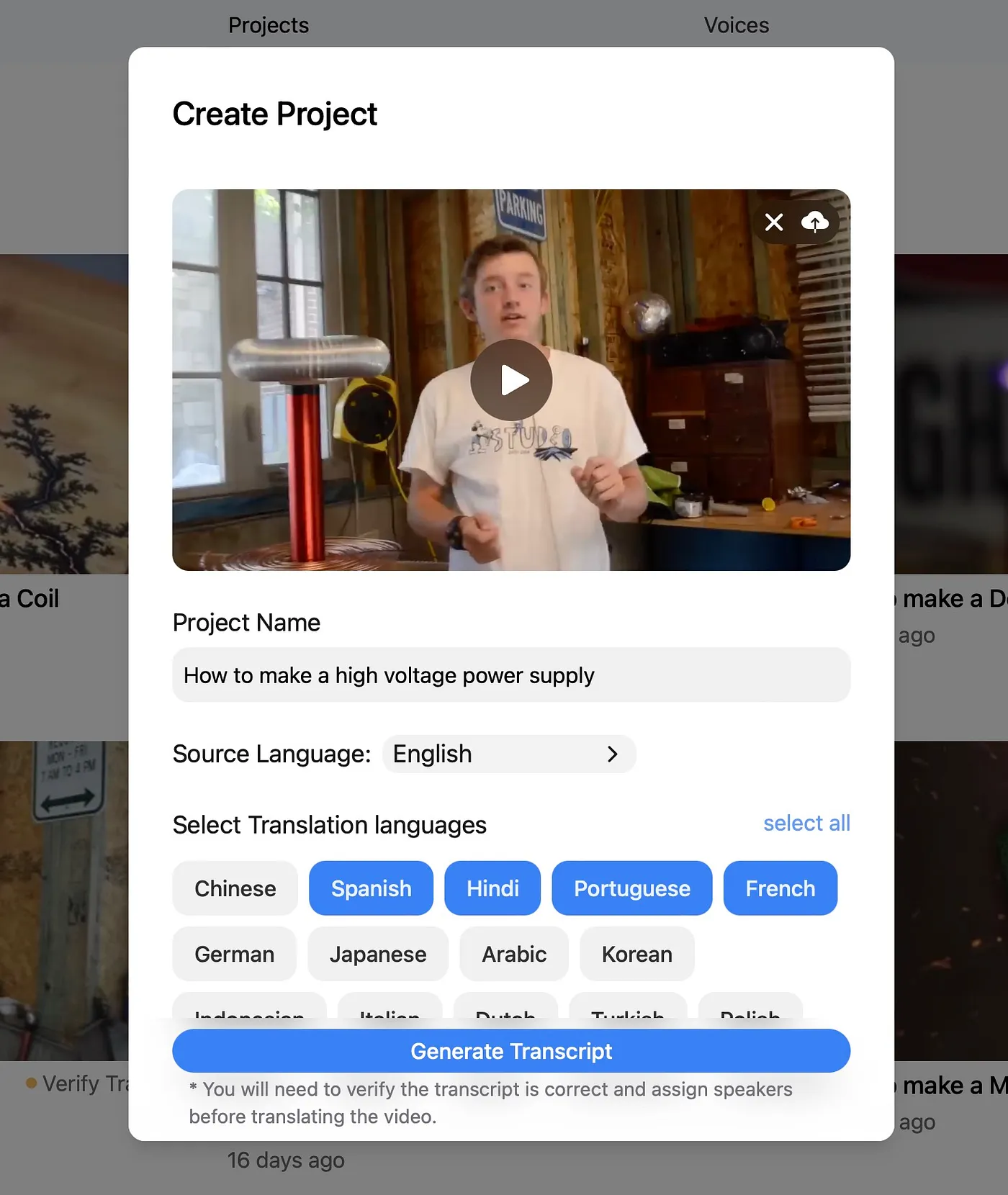
1. Create a project
Upload your source video or connect the workflow you already use so DittoDub has the original content and context.

Learn the DittoDub workflow, move faster through setup, and polish your project before you publish.
Upload your source video or connect the workflow you already use so DittoDub has the original content and context.
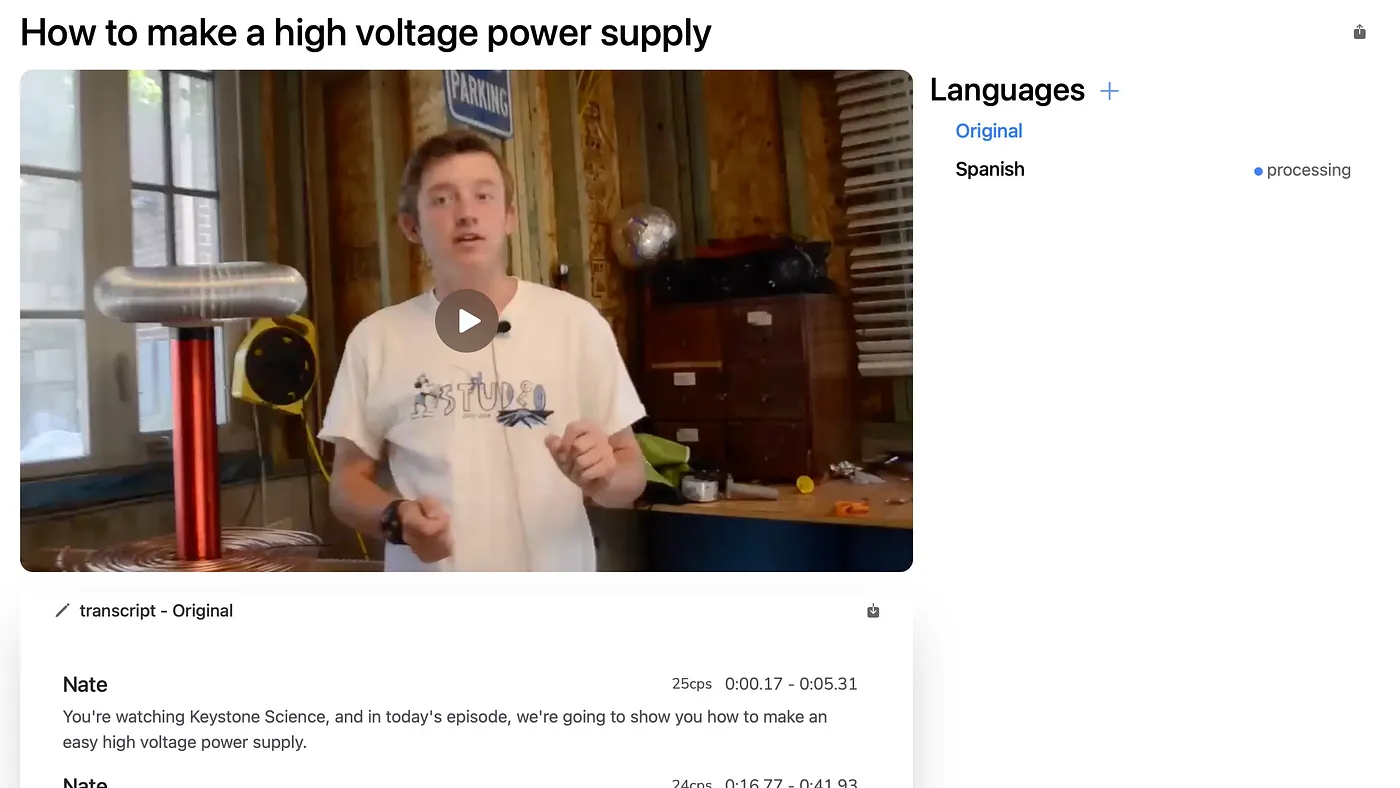
Select the markets you want to reach, review the generated dubs, and confirm the outputs you want to refine.
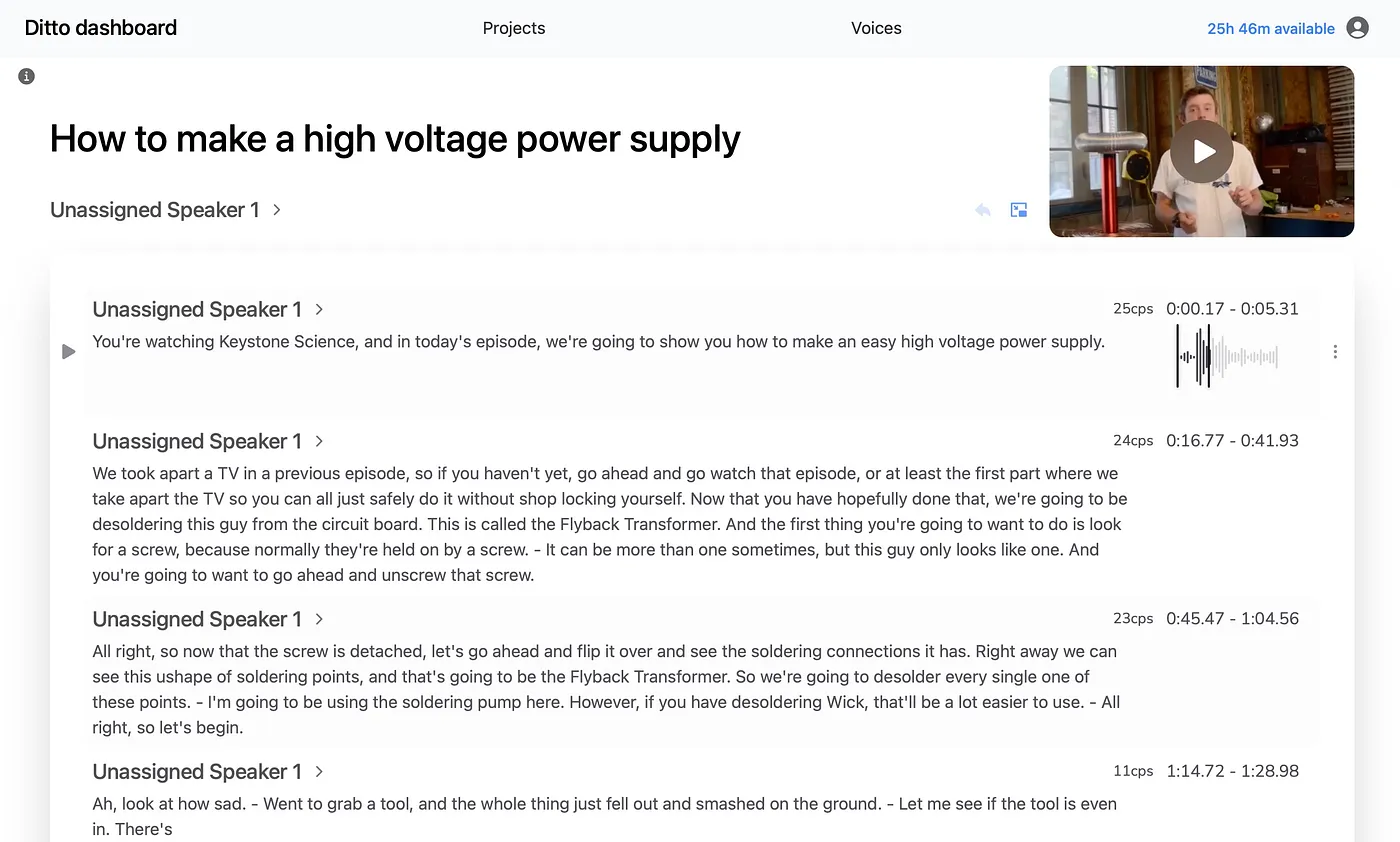
Edit scripts, subtitles, or timing where needed so the final release is ready for real viewers.
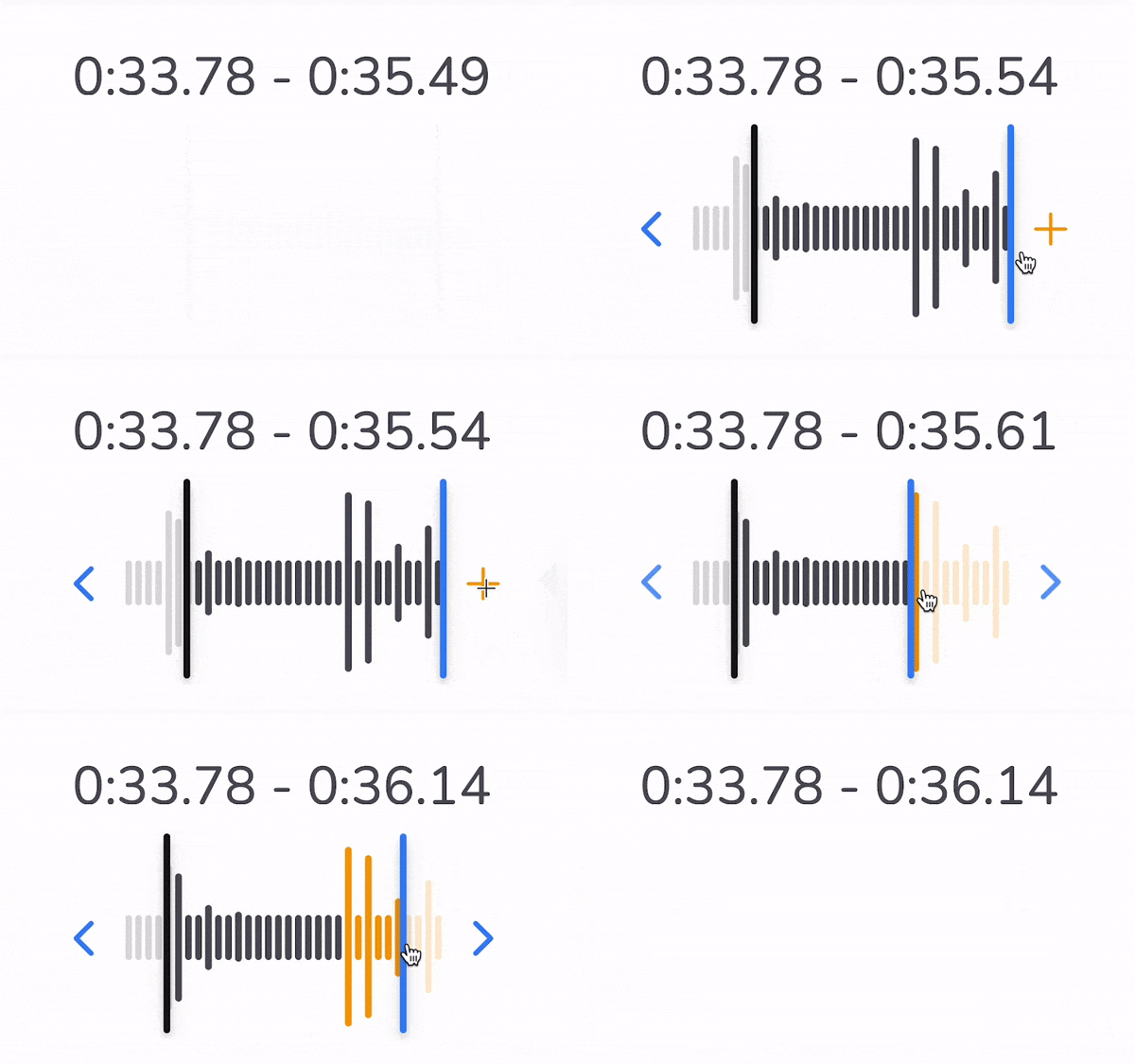
If a translated line feels rushed or clipped, extend the timing so the performance has space to breathe naturally.
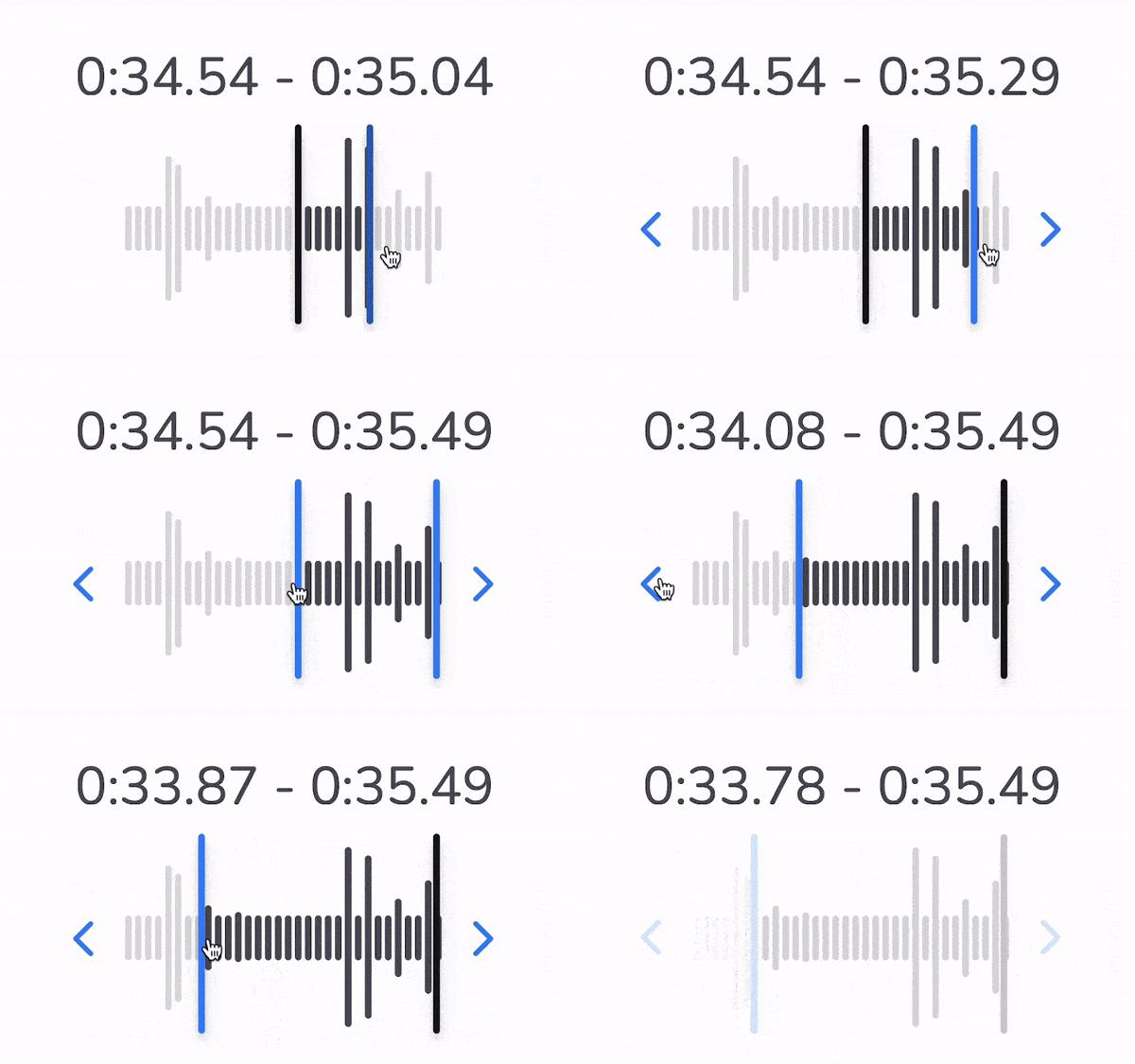
Review overlaps in the editor and resolve them early so subtitles and dubbed delivery stay clean in the final file.