
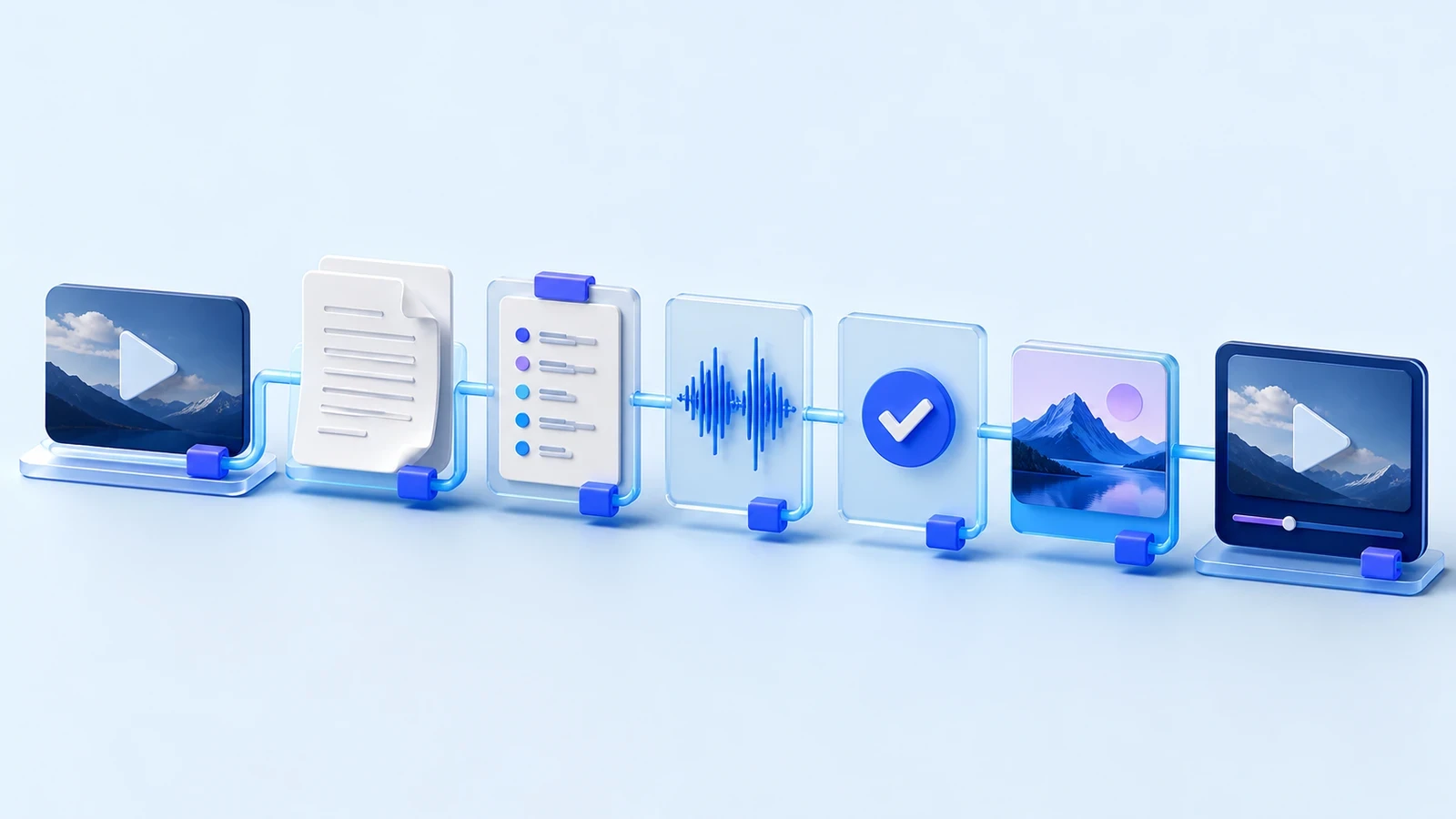
A YouTube localization workflow works when every release has one owner, versioned inputs, named approvals, and a public playback check. The useful unit is not “the Spanish dub.” It is a release with a source cut, transcript, language brief, approved audio, captions, metadata, thumbnail, YouTube destination, and measured result. If the team cannot tell which version reached viewers, it cannot reliably fix the next one.
You can run this system with separate tools, vendors, and a spreadsheet. DittoDub can reduce the handoffs, but it does not remove the need for ownership. The workflow below is designed to remain usable either way.
The governing rule is simple: an artifact moves forward only when its owner records the version and the next owner can see why it passed. A message that says “looks good” is not a release record. Neither is a folder containing four files called final.
Begin with a release contract
Before anyone translates a line, write down the video, target locale, due date, release owner, required assets, and approvers. Choose the language from channel evidence such as current audience geography, comments, topic fit, and the team’s ability to review it. YouTube’s current Multi-language audio guidance recommends concentrating on one or two languages and building depth rather than spreading the catalog thinly.
The accountable owner is not expected to do every task. Their job is to reject incomplete handoffs and close the release. A language reviewer may approve meaning but not sponsor terms. A producer may approve the mix but not Spanish phrasing. Put those limits in writing.
Trace one release from source to player
The following is an explicitly worked example, not a DittoDub customer case study. A fictional weekly science channel is localizing a 14-minute episode into Mexican Spanish. The release ID is SCI-104-ESMX.
| Versioned artifact | Owner | Exit rule |
|---|---|---|
source_cut_v3.mp4 | Producer | Picture and sponsor read are locked |
transcript_en_v2 | Transcript editor | Names, numbers, speakers, and omissions match the locked cut |
brief_es-MX_v1 | Localization owner | Audience, tone, protected terms, and sponsor language are approved |
script_es-MX_v4 | Language reviewer | Meaning and naturalness are approved; open questions are zero |
audio_es-MX_v3.wav | Audio reviewer | Speakers, timing, pronunciation, and mix pass |
package_es-MX_v2 | Channel editor | Captions, title, description, and thumbnail point to approved assets |
publish_check_v1 | Publisher | Public player exposes the correct language and audio |
The version number changes when the artifact changes. It does not change because someone opened the file. If a corrected sponsor line creates script_es-MX_v5, the ledger must show whether audio was regenerated as audio_es-MX_v4.wav. This small discipline prevents the familiar failure where the team approves one file and publishes another.
Store each approval beside the artifact it covers. “Spanish approved” is too vague if the script changes afterward. “AR approved script_es-MX_v4 at 15:20 UTC” identifies the decision. If v5 is created, language approval returns to pending. Audio and packaging should follow the same dependency rule.
Review the points where errors become expensive
Run language review on the final source, not a remembered draft. Check names, figures, units, calls to action, sponsor claims, jokes, and technical instructions first. Then listen through speaker changes, fast sections, overlap, edits, and music transitions. The full AI dubbing QA checklist separates linguistic, speaker, timing, mix, packaging, and playback risks.
In the worked example, the episode contains the term “escape velocity,” a guest surname, three measurements, and a sponsor discount. Those items receive line-level language approval. A non-Spanish-speaking producer can still verify that the correct guest voice begins at 03:18 and that speech is audible over the demonstration, but that producer cannot certify natural Spanish.
Corrections should name the failed gate. A translation correction changes the target script. A speaker correction changes the speaker map or audio. A packaging correction changes the title, description, captions, or thumbnail. Naming the gate tells downstream owners which approvals are stale and which can remain valid.
The honest constraint is reviewer capacity. If a team has one qualified reviewer, launching ten languages does not make review scalable. It creates ten unowned risks. Reduce the first batch or buy the review capacity before increasing volume.
Package the release for discovery
A finished audio file is not a finished YouTube release. Captions should follow the approved spoken track. The title and description should preserve the original promise in natural target-language phrasing. YouTube explains how creators can publish translated titles and descriptions, and its MLA documentation says translated titles and descriptions can be used in search and discovery.
For the science episode, the English title’s curiosity gap matters more than its word order. The Spanish editor keeps the experiment and outcome clear, checks the first lines of the description, and confirms the sponsor disclosure. If the thumbnail contains English text, the localized image belongs in package_es-MX_v2, not in an unrelated design thread. DittoDub’s thumbnail translation workflow is one way to keep that asset with the release.
Publish, then verify as a viewer
Confirm MLA access before setting a deadline. YouTube currently says creator-uploaded multi-language audio is available to a subset of creators with Advanced features while access expands. It also requires an uploaded audio file to be roughly the same length as the video. Those conditions can change, so the publisher should check the official MLA instructions when the release is prepared.
After upload, open the public video. Choose the target audio track, listen near the beginning and ending, and sample at least one speaker change. Confirm the title, description, captions, and thumbnail shown for the language. Record the public URL and check time. A successful upload is evidence that a file moved; it is not evidence that the viewer received the intended release.
If the public check fails, stop the release and record the observed state. “Wrong audio at 03:18 on public player” is actionable. “YouTube seems broken” is not. Keep the last approved local file until the corrected public track has passed. That makes rollback or replacement possible without reconstructing the release from chat attachments.
YouTube Sync can shorten the trip into Studio. Keep the public check. Automation and human verification answer different questions.
Use a release ledger the next person can operate
A usable ledger records state, not conversation. One row per language release is enough:
| Field | Example value | Why it exists |
|---|---|---|
| Release identity | SCI-104-ESMX, video ID, es-MX | Prevents work from landing on the wrong video or locale |
| Approved versions | Source v3, script v4, audio v3, package v2 | Makes the exact release reproducible |
| Approvals | Language: AR, audio: KM, publish: NS | Shows who accepted each class of risk |
| Exceptions | Guest pronunciation accepted at 07:42 | Stops a known decision from becoming a new mystery |
| Public proof | URL, checked 2026-08-12 16:40 UTC, pass | Confirms the viewer-facing state |
| Review window | First complete 28 days after publication | Prevents pre-dub traffic from distorting the result |
Use controlled values for status, such as source locked, language review, audio review, ready to publish, public check failed, and released. Free-form status notes become hard to filter across a catalog. Put the explanation in an exception field and keep the state itself predictable.
Close the loop with audio-language performance
YouTube’s MLA guidance says Analytics can break out views and watch time by audio language. Use that official audio-language measurement guidance to define the report, then record a decision beside the release. Do not substitute viewer geography for the track selected. The audio-language analytics guide explains how to separate demand, distribution, and quality.
Suppose Spanish audio performs well on experiments but weakly on weekly news. The next decision is not “Spanish failed.” It may be to dub more evergreen experiments, improve packaging for news, or gather a larger sample. The ledger turns that conclusion into the next batch rather than letting it disappear into a dashboard.
Close each review with an owner and a date. “Expand experiments to the next four uploads, KM owns, review after one complete 28-day window” can be acted on. A chart pasted into a meeting note cannot. Over time, these decisions also show whether failures came from language choice, production quality, packaging, or insufficient catalog depth.
DittoDub can bring transcripts, terminology, speakers, language assets, collaboration, and YouTube publishing into the same operating system. The process still needs a person who can say which version is approved and prove what viewers received.